Database Maintenance
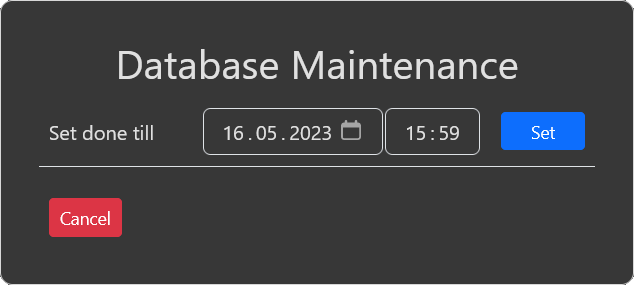
Database management allows to set support received up to a defined timestamp as done. By default the date value is set to the oldest support not marked as done,
so it will do nothing if "set" is used. To use it, set date and time to the point in time you want all older support to be marked as done and press "set".
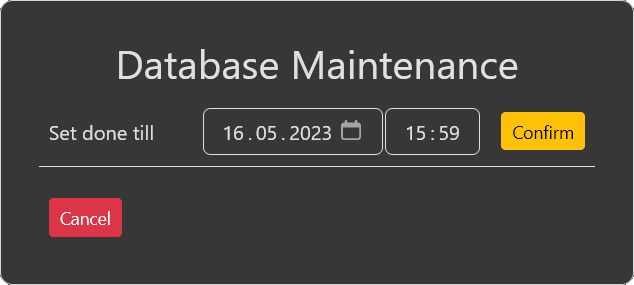
After clicking the confirm button the database change is executed.
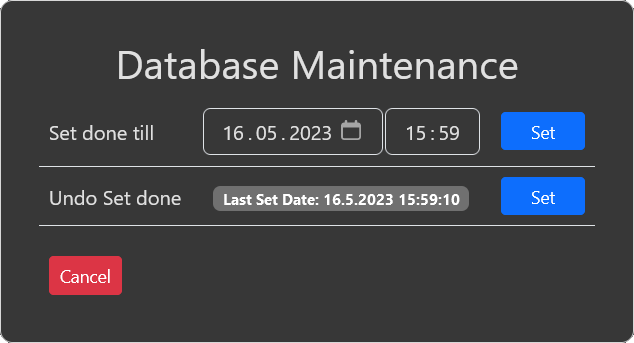
If you have used this function once there is another line shown, which allows you to revert the last change. The date shown is the date you have executed the "set done"
and you can use the undo button to revert these change.