Filter Area
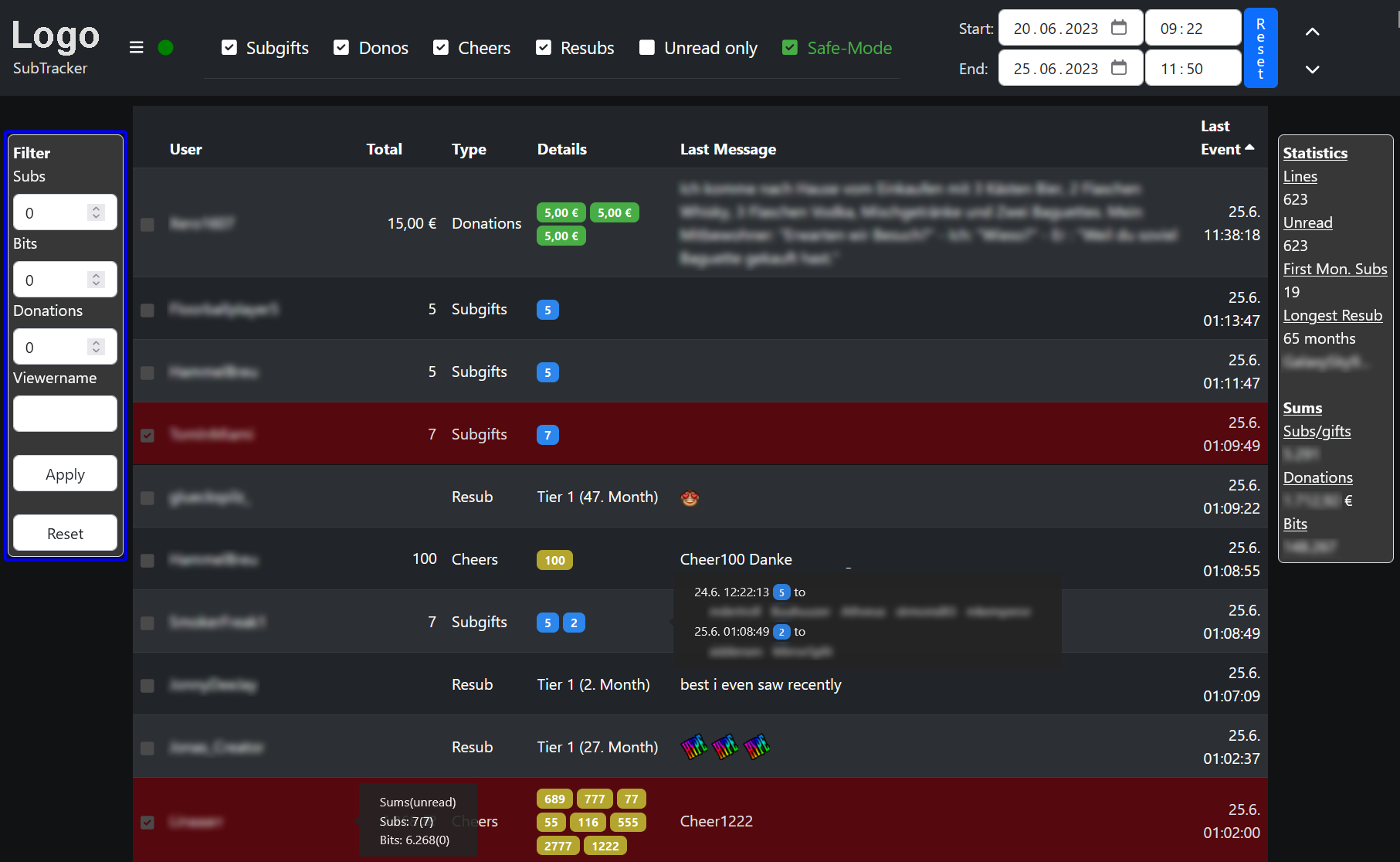
The filter area is used to filter the table entries according to:
- Subs: Minimum number of subs per single support
- Cheers: Minimum number of cheers per single support
- Donations: Minimum donation amount per single support
- Viewername: Name or part of name of the support entries to be shown
Apply Button: Activate the filter (can also be done by pressing enter in any field)
Reset Button: Clear all filter entries
The filter area is only shown if the screen size is big enough. You can use your browser zoom feature to provide more room.